Create a character
Create a new character in Larping, fill in the core fields (name, background, faith, starting currency), and submit it. Stats are computed automatically once you attach skills, items, conditions, and events later.
Goal
By the end you will have a character record in Larping with a name, type (player or NPC), a background story, and a starting currency. The character will be visible in the Characters list and on the dashboard's Recent characters widget.
Prerequisites
- Larping open and the OpenRegister back end connected (see Open Larping for the first time).
- The right to create characters — players can create their own; game masters can create any character (PC or NPC).
- The game system already configured by a game master — abilities, skills, items, conditions exist to be picked from later (see Configure the game system). You can save a character before attaching anything; the system entities just need to be there when you want to build the character out.
Steps
-
Open Characters from the Larping navigation and click Add Item. The Create Item dialog opens.

-
Fill in the character fields — name, type (player or NPC), an optional description, the background story, an optional faith, notice and notes fields. Set the starting currency — gold, silver, copper — to whatever your setting allows new characters. Click Create.

-
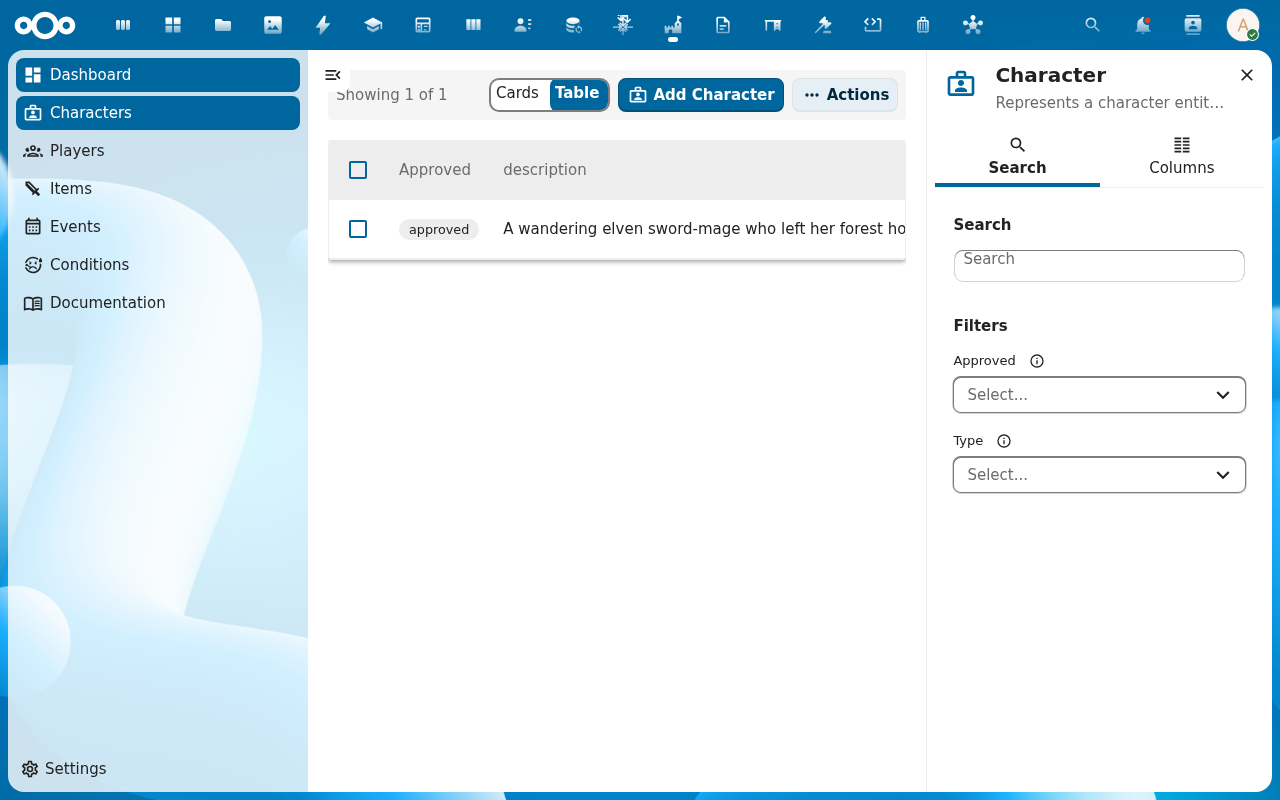
The character appears in the list. Open it to reach the character detail page. The sidebar carries a Properties tab (the fields you just set), a Relations tab (which skills, items, conditions, events the character has — empty for now), and an Audit trail.
-
Check the approved flag on the character. New characters land with
approved = falseand stay that way until a game master reviews the background — see Approve characters and manage players. Unapproved characters can still be edited; some game systems gate event participation on approval.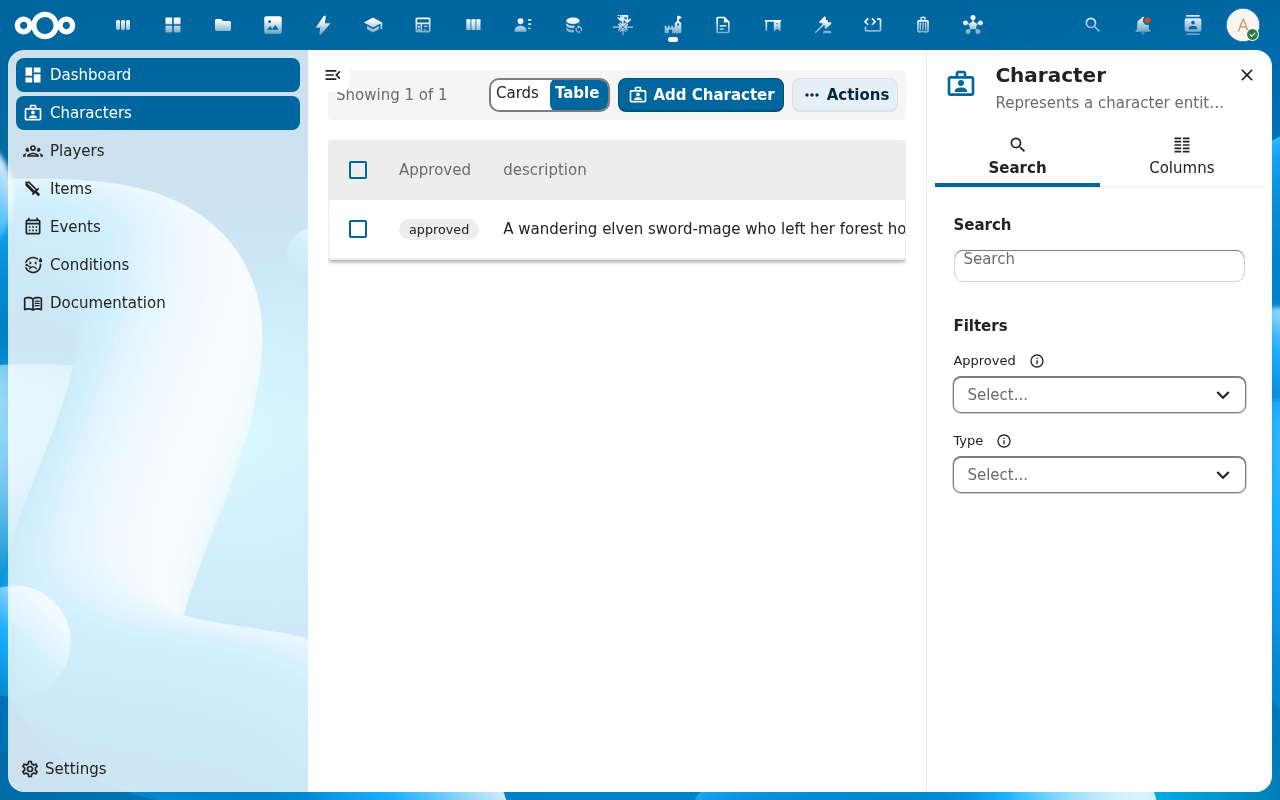
Verification
The character shows in the Characters list with the name you entered. Opening it shows the fields you saved. The Audit trail records the character's creation. The dashboard Recent characters widget includes the new character, and the Characters KPI count goes up by one.
Common issues
| Symptom | Fix |
|---|---|
| Add Item opens an empty dialog | The character schema isn't imported — ask an admin to re-run the register configuration (Settings → Administration → Larping, see Manage Larping settings). |
| Currency fields rejected as non-numeric | Gold / silver / copper expect integers; remove decimals and any currency symbols. |
| Character saved but doesn't appear on dashboard | The dashboard caches; click Refresh on the dashboard or reload the page. |
| Screenshots may be missing | App not yet installed in the test environment; rerun npm run test:e2e:docs once it is. |
Reference
- Build a character's skills and abilities — attach skills next so stats start computing.
- Approve characters and manage players — what the game master does after a player submits a background.
- Character management reference — the full field set and the underlying schema.