Manage items and equipment
Items are equipment and objects a character can own — a sword, a potion, an enchanted ring. Each item carries effects that contribute to the character's stat calculation. Unique items can be held by exactly one character at a time; non-unique items are stock and may be owned by many.
Goal
By the end you will have an item in the Larping catalogue, attached to a character, with its effects feeding into that character's ability scores.
Prerequisites
- A character to assign the item to (see Create a character).
- The game system has at least one effect defined (an ability modifier) that an item can reference. New items can still be saved without an effect; they just won't change any stats.
- The right to add items — typically the game master adds items to the catalogue; players assign already-catalogued items to their character via the picker.
Steps
-
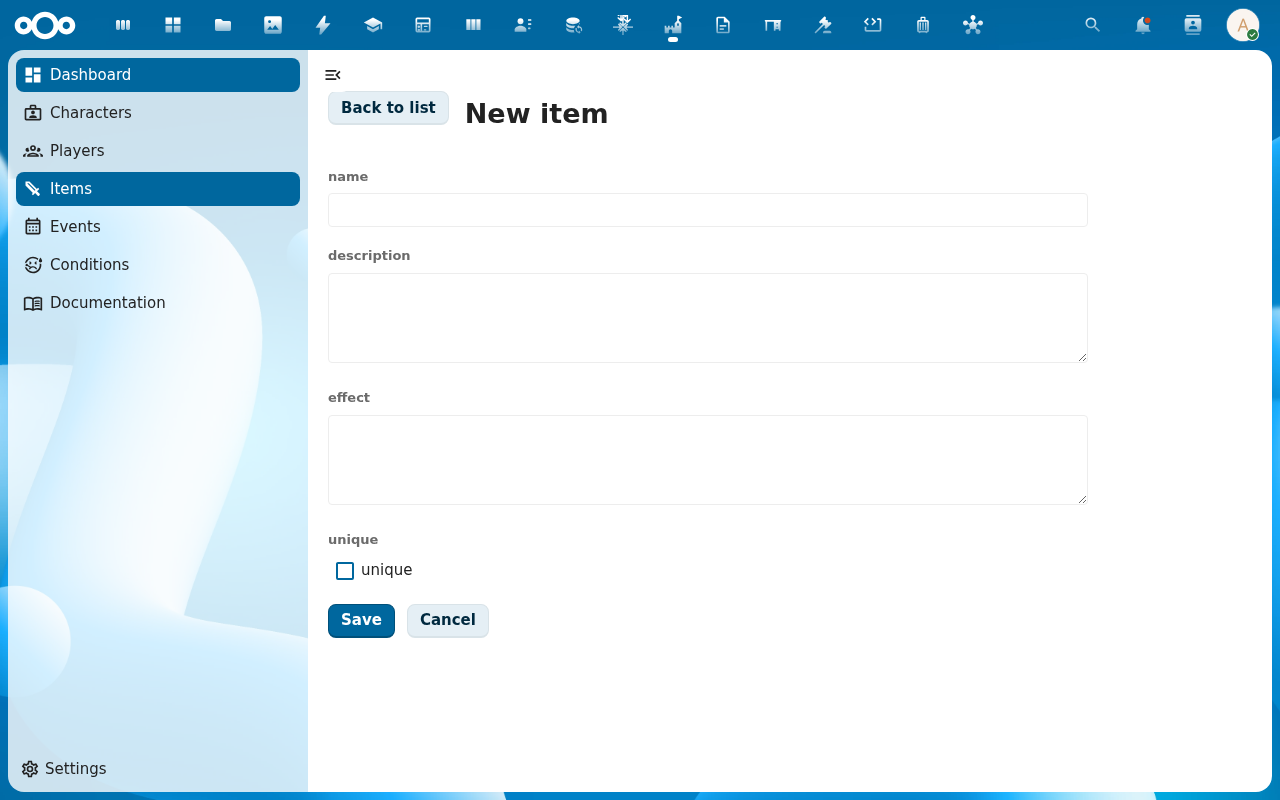
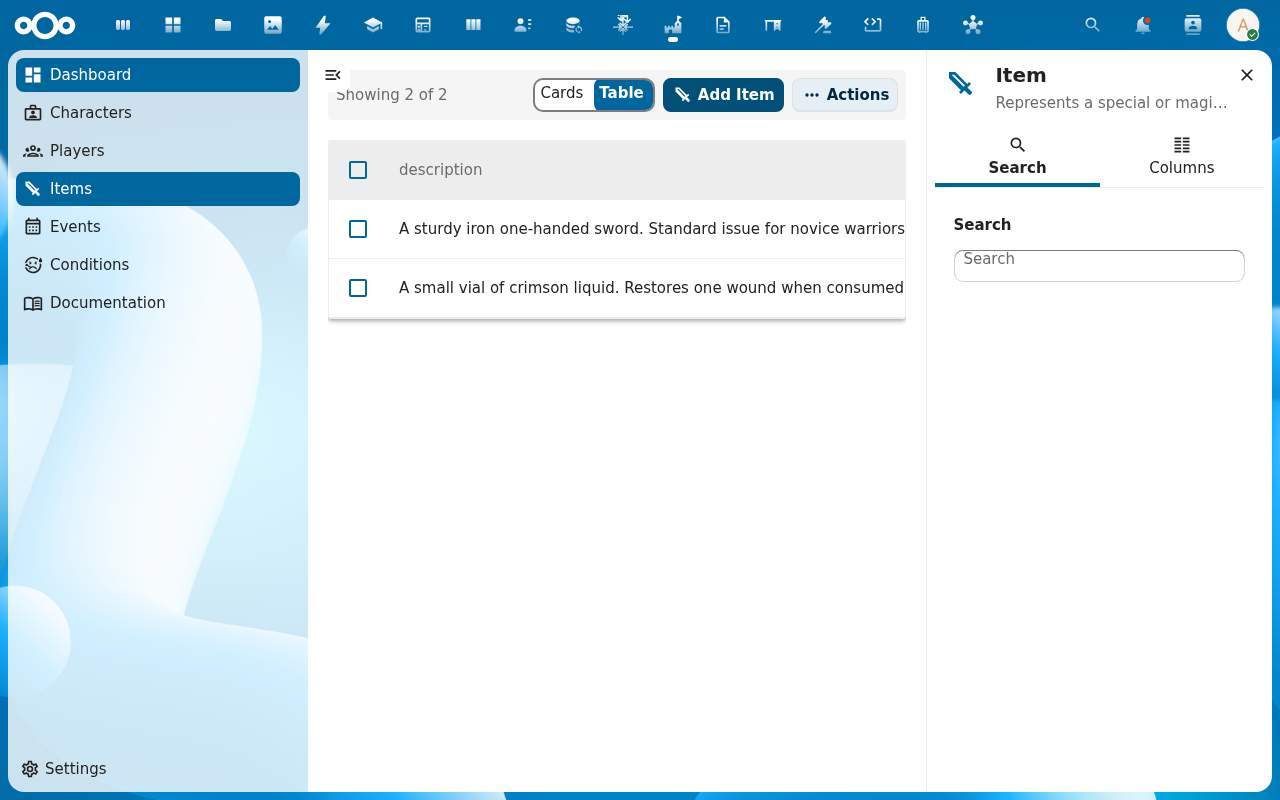
Open Items from the navigation. Click Add Item to open the Create Item dialog.
-
Fill in the item — name, an optional description, and the unique flag. Unique items track a single owner in their
characters[]array; non-unique items can sit on many characters at once. Attach one or more effects (numeric modifiers on abilities, defined by the game master). Click Create.
-
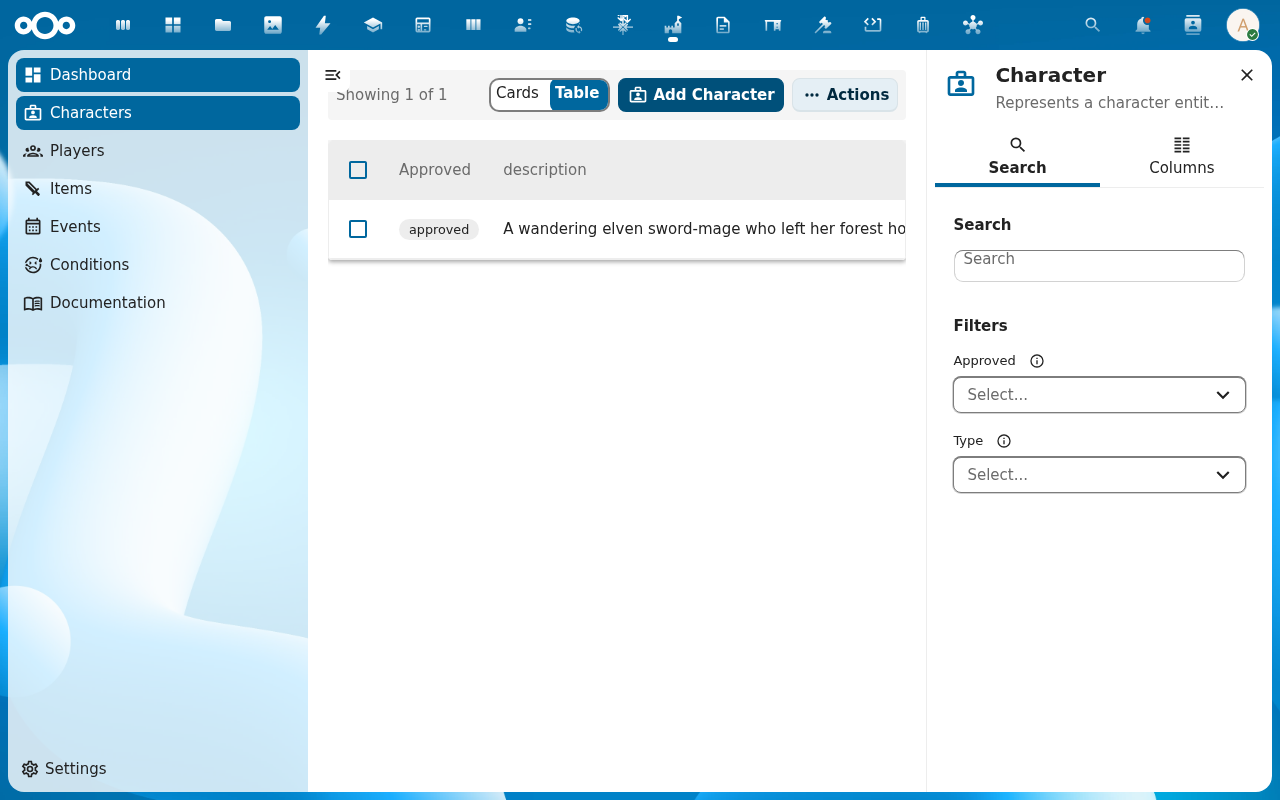
Open a character and switch to the Relations tab. In the Items section, pick the item from the catalogue. The stat engine recalculates: the item's effects now apply alongside any skills already attached.
-
Try to assign the same unique item to a second character. The picker rejects the assignment because the item already has an owner. Non-unique items have no such constraint and may sit on many characters at once.
Verification
The item shows in the Items list. The character it is assigned to lists it under Items on the Relations tab and the character's ability scores reflect the item's effects (use the ability audit trail to confirm). A unique item appears on exactly one character's relations.
Common issues
| Symptom | Fix |
|---|---|
| Item attaches but no ability changes | The item has no effects attached, or its effects target no abilities — edit the item and add at least one effect with a target ability and a non-zero modifier. |
| Unique-item rejection error is unclear | The picker should grey the item out once an owner is set; if you've reached this via the API, check the characters[] array on the item first. |
| Same effect counted twice on the character's stats | Effects can be cumulative or non-cumulative; non-cumulative effects only apply once even if reached via multiple items/skills. Check the effect's cumulative flag. |
| Screenshots may be missing | App not yet installed in the test environment; rerun npm run test:e2e:docs once it is. |
Reference
- Build a character's skills and abilities — the parallel flow for skills; same effect engine.
- Apply conditions and effects — status effects that layer on top of items.
- Game mechanics reference — items, effects, cumulative vs non-cumulative.