Export a character sheet (PDF)
Generate a printable PDF of a character — name, background, current ability scores (computed from all attached skills, items, conditions, events), skill list, inventory. Useful at the table when laptops are not. The actual PDF rendering is delegated to the DocuDesk app, which uses Twig-based HTML templates and mPDF.
Goal
By the end you will have downloaded a PDF of your character's sheet with the current computed stats, ready to print.
Prerequisites
- A character that exists in Larping with skills, items, and any other relations attached (see Build a character's skills and abilities).
- The DocuDesk app installed and enabled on the same Nextcloud instance — Larping delegates the PDF rendering to it. Without DocuDesk the export endpoint returns a 424 Failed Dependency and the Download PDF button is hidden.
- At least one character-sheet template registered in DocuDesk and scoped to Larping. Templates are HTML with Twig placeholders (
{{ character.name }},{% for skill in character.skills %}…); the game master maintains them in DocuDesk.
Steps
-
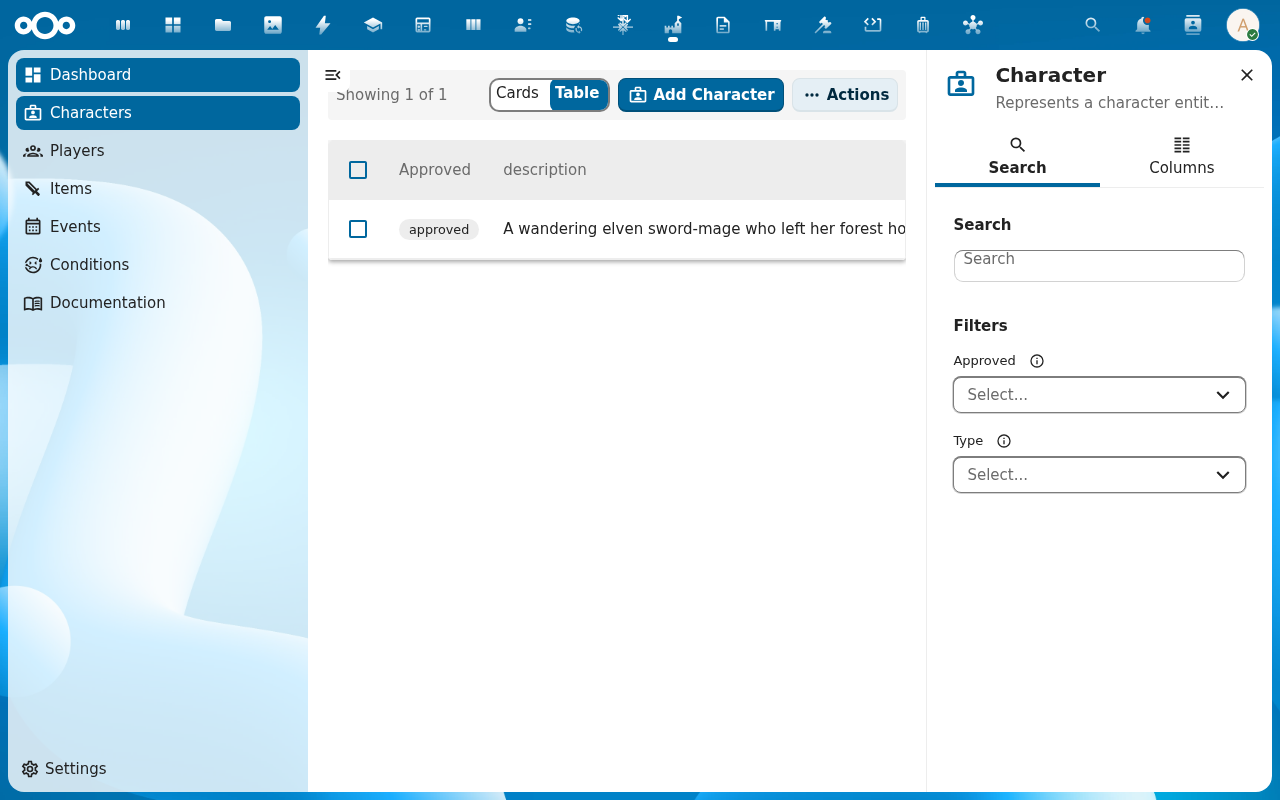
Open the character from the Characters list. The detail page opens.
-
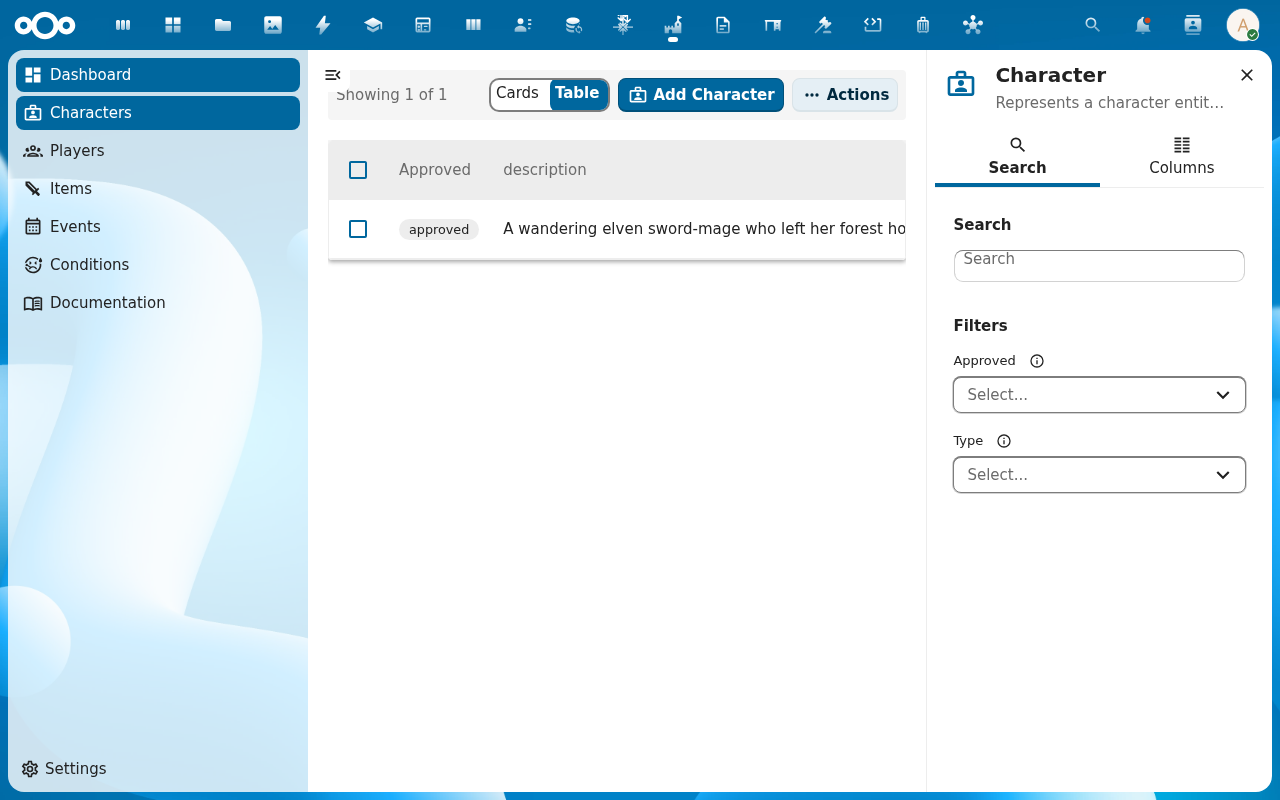
In the character's action menu (or the actions toolbar) find Download PDF. If the button is missing, DocuDesk is not installed — see Common issues below.
-
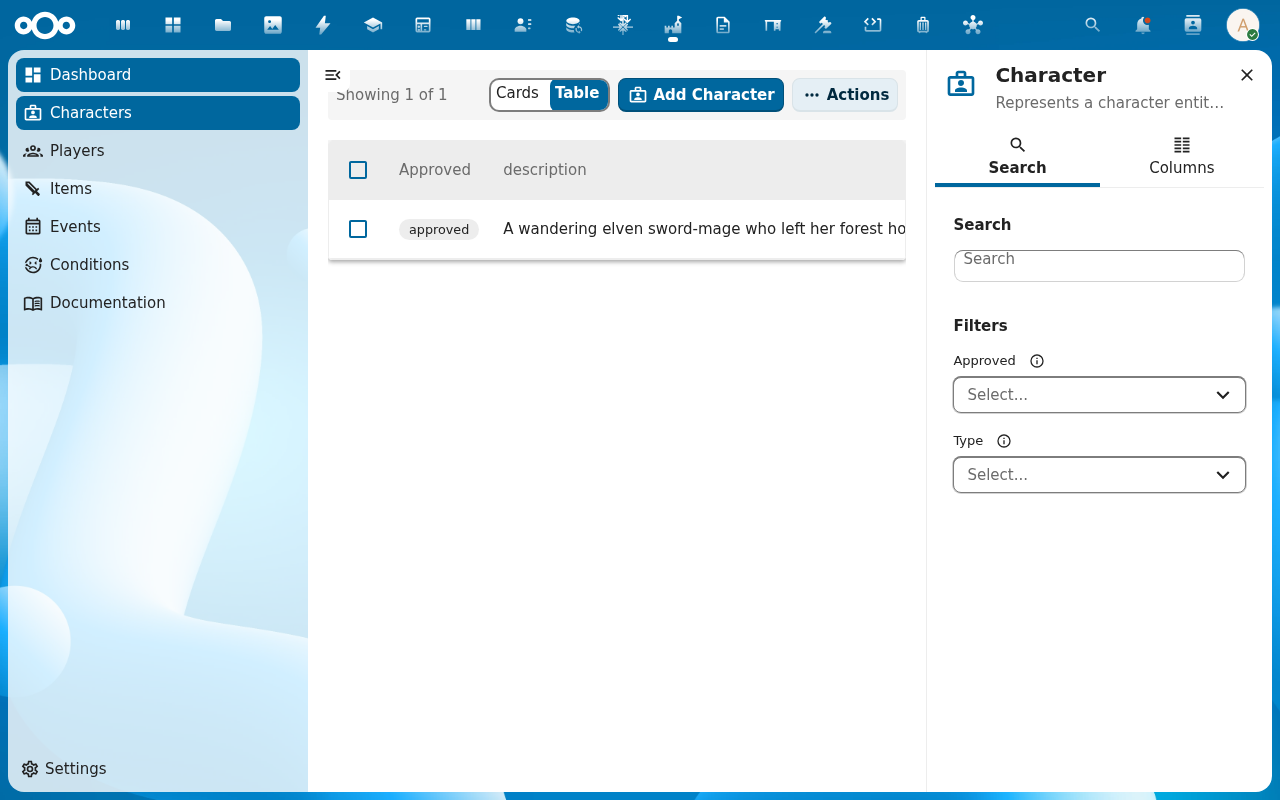
Pick the template. Multiple templates are available when the game master maintains different sheet layouts (a one-pager, a full grimoire, a child-friendly version). The template determines the page format (A4, Letter) and orientation (Portrait, Landscape).
-
Confirm. Larping packages the full character context — properties, computed abilities, skills, items, conditions, events, currency — and hands it to DocuDesk's PDF service. The browser downloads the file as
<characterName>_character_sheet.pdf.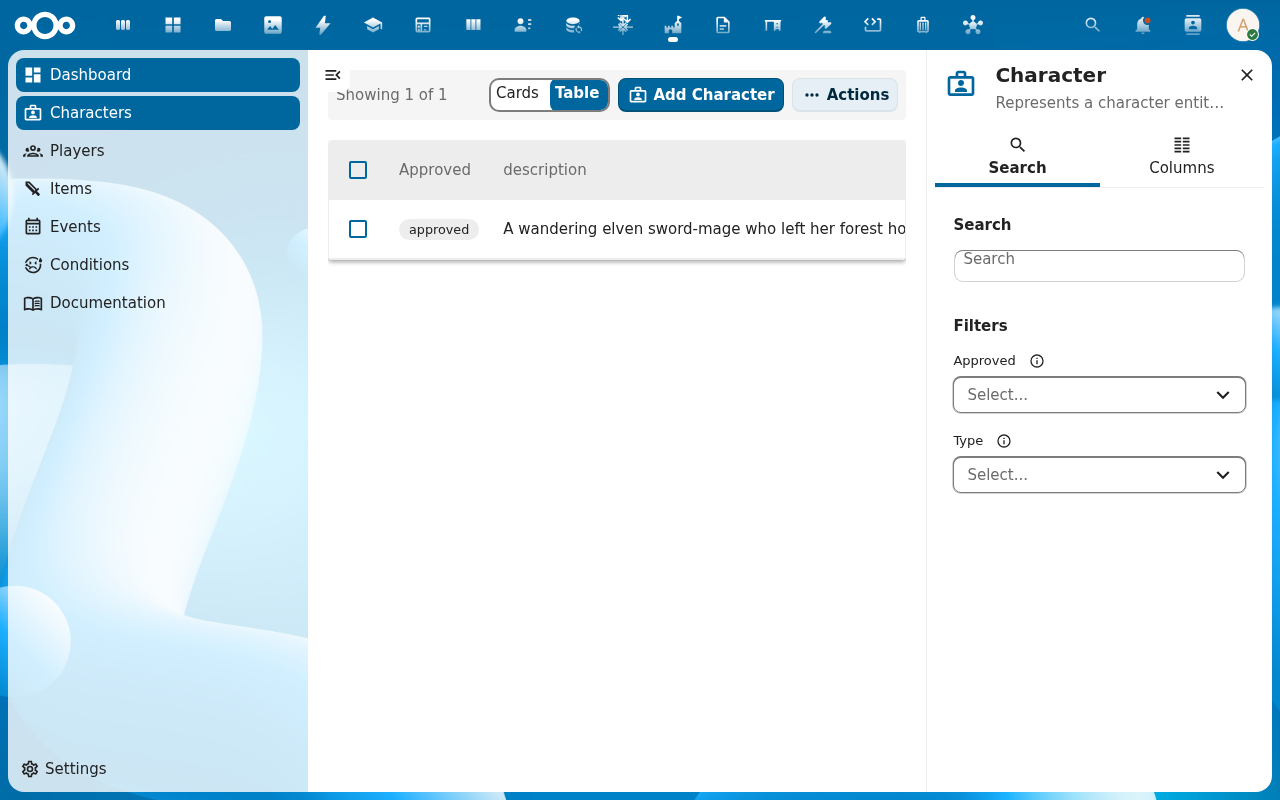
Verification
A PDF file lands in your browser's downloads named <characterName>_character_sheet.pdf. Opening it shows the character's current stats — the values match the Abilities view in the app. The skill list, inventory, and any conditions on the character are present, matching the Relations tab.
Common issues
| Symptom | Fix |
|---|---|
| No Download PDF button on the character | DocuDesk is not installed or not enabled — install it from the app store, then reload the character page. The Larping endpoint returns HTTP 424 when DocuDesk is absent; the UI hides the action accordingly. |
| Template picker is empty | No Larping-scoped templates have been registered in DocuDesk — ask the game master to add at least one. |
| PDF generates but stats are stale | The character's stats are calculated on demand; reload the character before exporting, or hit the dashboard Refresh if you just made changes. |
| Rendering fails with HTTP 500 | The template has a Twig syntax error or references a field that doesn't exist on the character; check DocuDesk's logs and fix the template. |
| Screenshots may be missing | App not yet installed in the test environment; rerun npm run test:e2e:docs once it is. |
Reference
- PDF export reference: see
docs/features/pdf-export.mdin the larpingapp repo — endpoint, error codes, the DocuDesk hand-off (excluded from the rendered docs while a Twig-placeholder MDX-parsing issue is resolved). - Build a character's skills and abilities — make sure the character has stats worth printing.
- Track XP and progression — XP shows up on the sheet.