Subscribe to an event
Sign a player up for a LARP event in Larping. The event tracks its participant roster, can carry post-event effects (loot earned, XP gained, conditions inflicted) that apply to participating characters when the game master closes out the event.
Goal
By the end the player will appear on the event's participant list and — once the game master applies them — any post-event effects on the event will feed into the linked character's stats.
Prerequisites
- An event exists for the LARP gathering (game master sets these up — see Configure the game system for the event-creation flow).
- The player exists in Larping — a Player record, separate from the Character record (one player can have multiple characters across events).
- The right to subscribe — players can typically subscribe themselves; game masters can subscribe any player. The event may be capped, in which case subscriptions over the cap go on a waiting list.
Steps
-
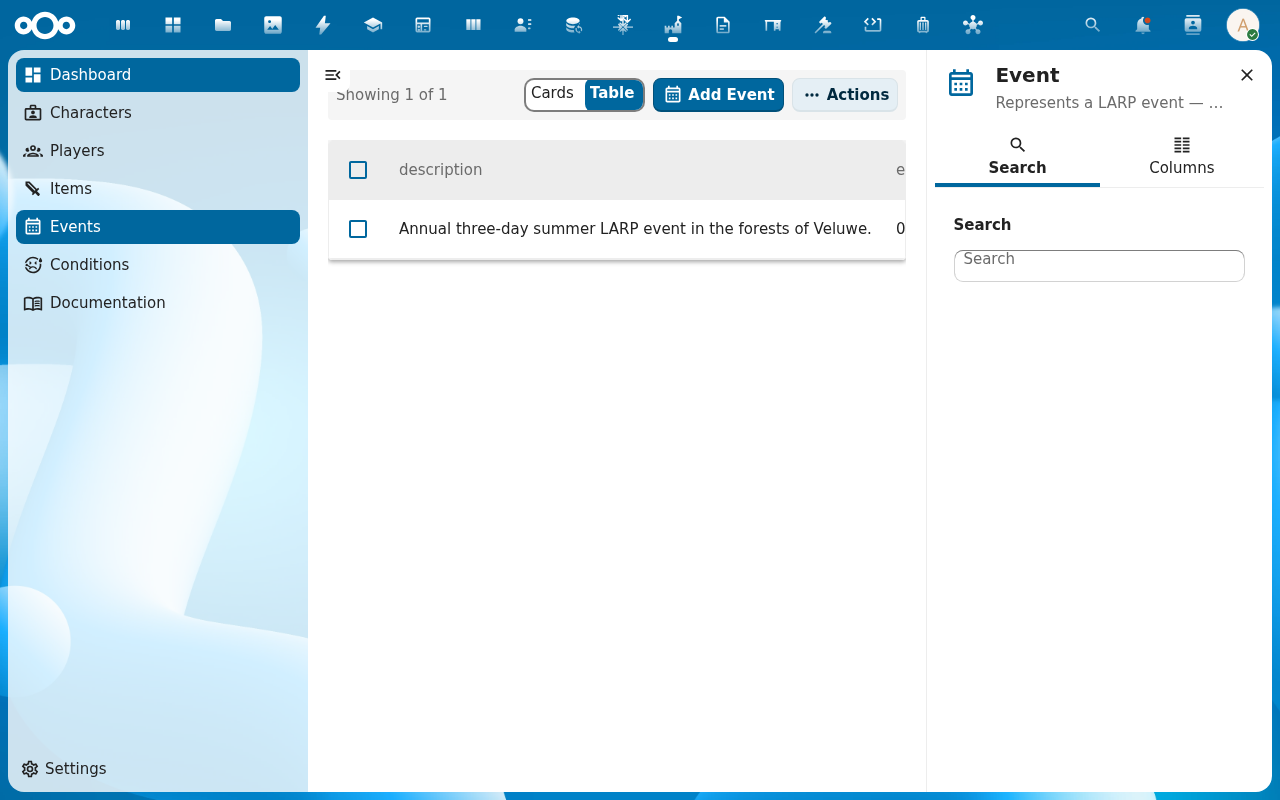
Open Events from the Larping navigation. The list shows upcoming and past events with their date range and location.
-
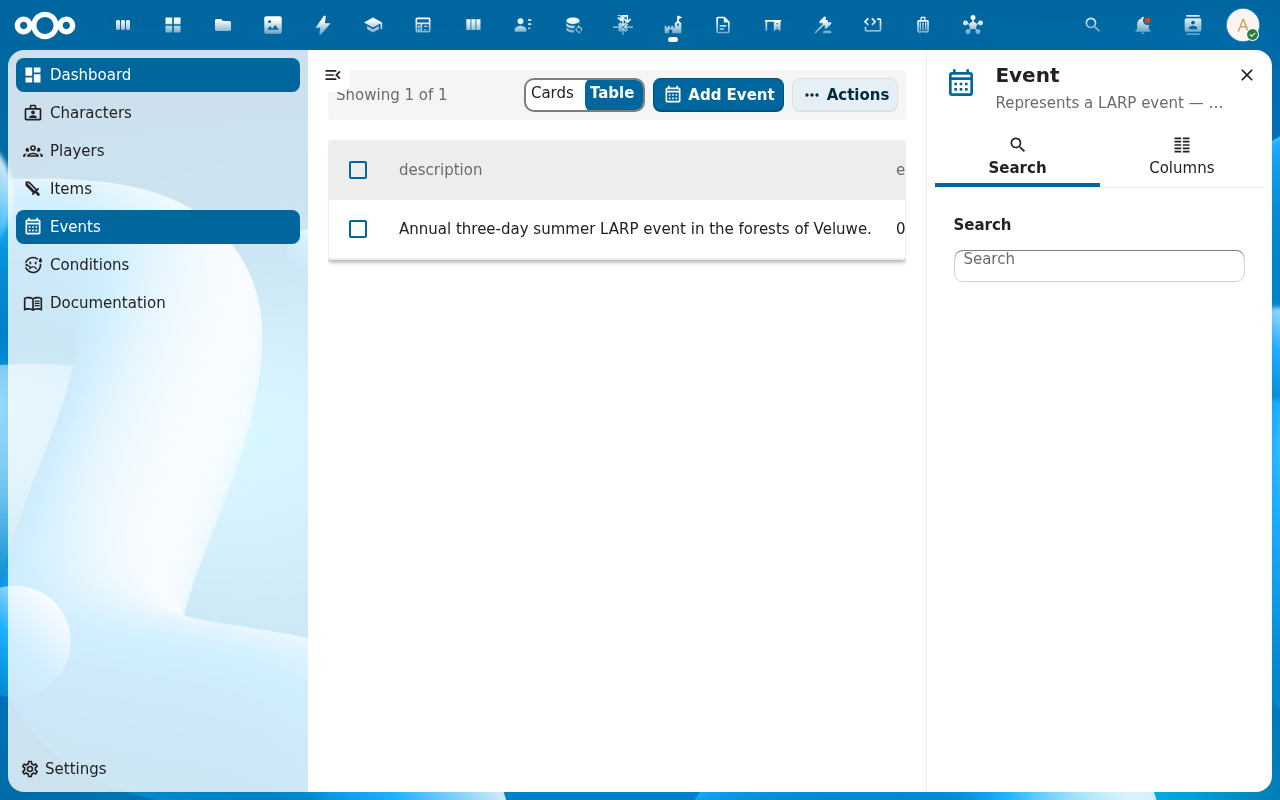
Open the event you want to subscribe to. The detail page shows the event's dates, location, the players[] list (already-subscribed players), and the effects[] list (post-event effects waiting to be applied).
-
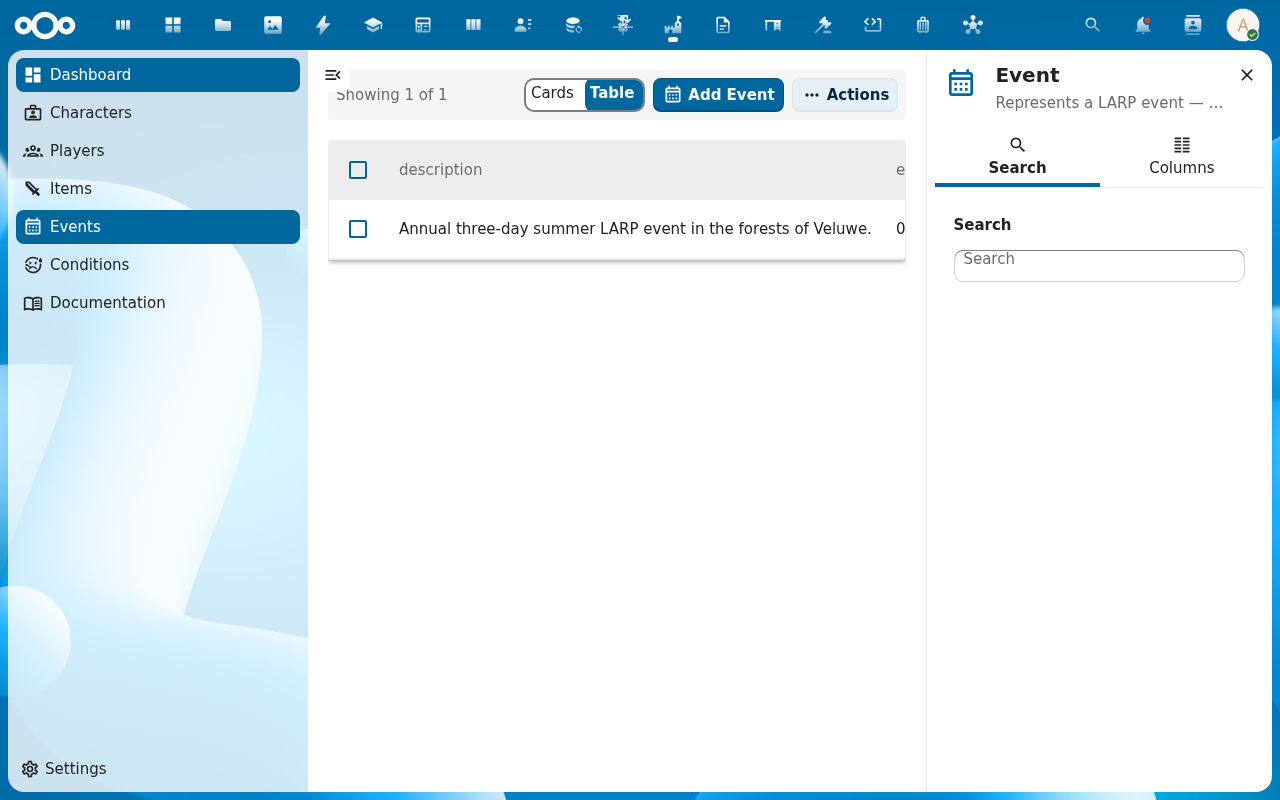
Click Subscribe (or open the Relations tab and add to the Players list). Pick the player. If the event is at capacity, the subscription lands on the waiting list — the Players count stays the same, but the player is now queued.
-
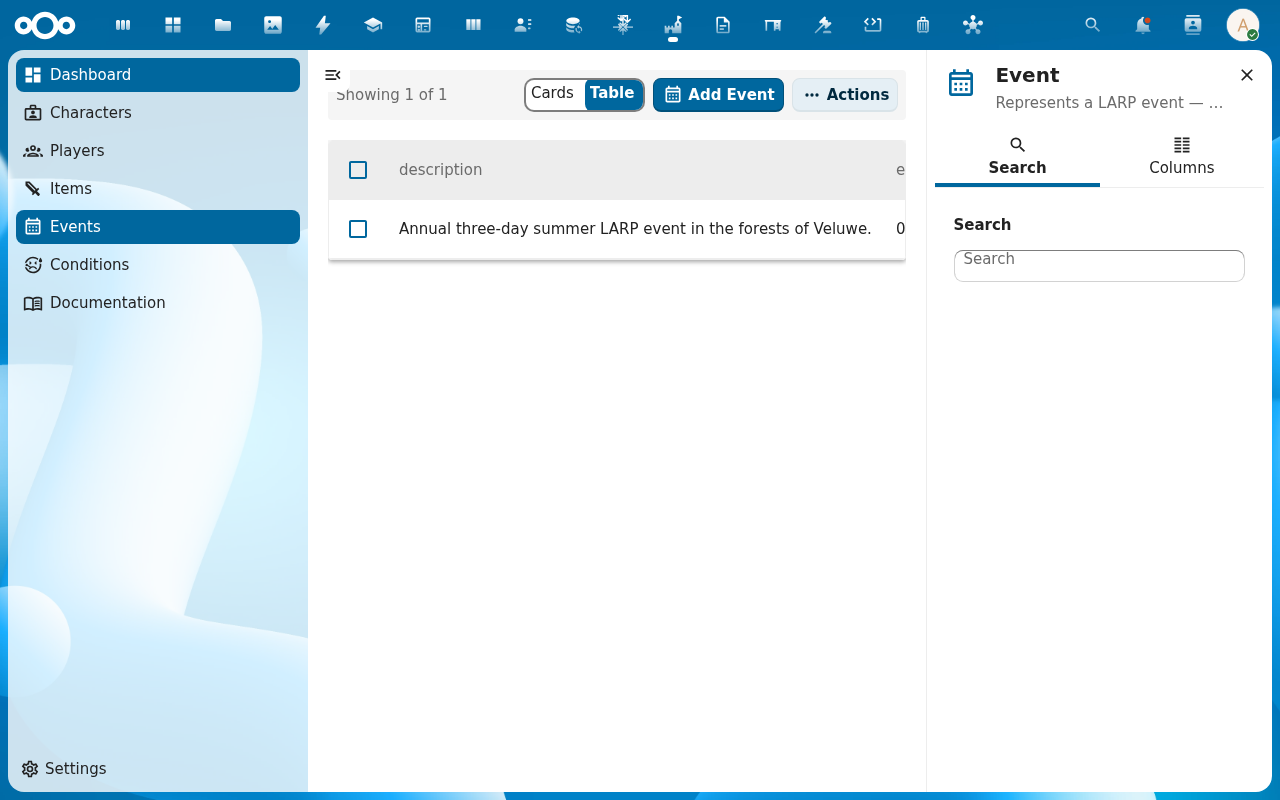
The player appears in the event's Players list. Their linked character also picks up the event in the character's Relations → Events section — that's how post-event effects, when applied, reach the right character.
-
After the event, the game master applies the post-event effects (see Approve characters and manage players for the wider post-event workflow). The effects flow into the stat engine on the events layer, last in the order — skills → items → conditions → events — so a Battle Scar event effect can override an item's defensive bonus.
Verification
The event's Players list contains the subscribed player. The player's linked character lists the event under Relations → Events. After the game master applies the post-event effects, the character's ability audit trail shows entries with Event: … as the source.
Common issues
| Symptom | Fix |
|---|---|
| Event list is empty | No events created yet — a game master creates events via Events → Add Item. |
| Subscribe button is disabled | The event already passed (end date in the past) or has a player cap and you're not on the waiting list; check the event's date range and capacity. |
| Player subscribed but no character picked up the event | The character's ocName field must reference the subscribed player; without that link the event-effect application can't find the character. |
| Post-event effects don't show in the audit trail | They've not been applied yet — applying happens on the event (or on the character) after the event closes. |
| Screenshots may be missing | App not yet installed in the test environment; rerun npm run test:e2e:docs once it is. |
Reference
- Events and Players reference — events, players, the post-event effect flow.
- Track XP and progression — XP awarded at events feeds into character progression.
- Approve characters and manage players — the game master's end of the workflow.